ChatGPT Images 2.6 for online stores: product photos and GIFs without losing trust
ChatGPT Images 2.6 makes product scenes and animated GIFs from a prompt. What it does well, where it changes your label or bottle, and the rules for using AI product images on Google, Meta and marketplaces.

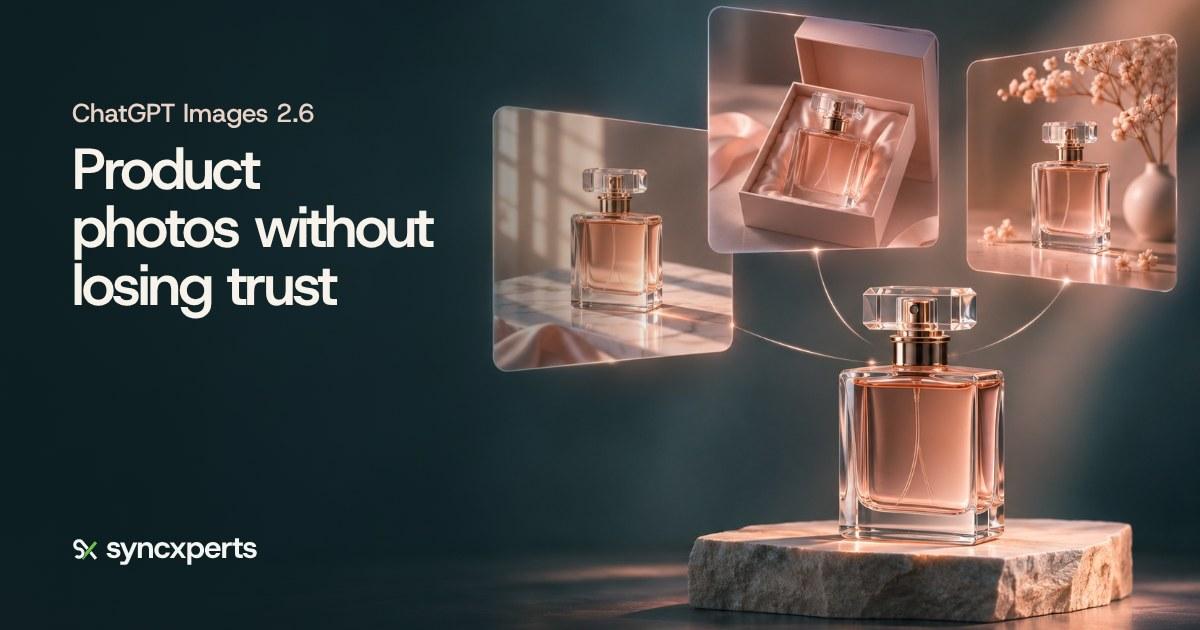
On 4 November 2026, OpenAI released ChatGPT Images 2.6. It makes and edits images faster, keeps a saved reference photo consistent across new images, and can now turn a prompt or a photo into a short animated GIF.
For a perfume, skincare or fashion brand, that sounds like a free product photographer. It is useful, but it is not that. This post covers what it does, where it changes your product, and the rules you need to follow before an AI image goes on your store or in an ad.
The short answer
Use ChatGPT Images 2.6 to put a real photo of your product into new scenes, make lifestyle images for social media, and create short GIFs for ads and WhatsApp. Do not use it to replace your main product photo.
Keep at least one real, unedited photo of every product, check every AI image against the real thing, and keep the AI label that comes with the file.
What is new in Images 2.6
- GIFs from a prompt or a photo. ChatGPT can make a short looping GIF and you can adjust it in the chat. It cannot edit a GIF you upload, and the feature was still rolling out to accounts after launch.
- A saved reference. You can save a photo under a name and call it in a later chat with "@name", so the same subject appears across new images without uploading it again.
- More precise edits. You can mark the part of the image you want changed. OpenAI says edits are more consistent, and early tests found it follows edit instructions more closely than version 2.5.
- Two models in the API. Sunburst for detailed work and Flare for fast drafts. OpenAI says generation is up to 50% faster. One hands-on test measured only about 6% faster on the detailed model.
It is available on every ChatGPT plan, including Free, on web, desktop and mobile, with image limits OpenAI has not published as numbers. OpenAI describes the release as global. If a feature is missing, it may not have reached your account yet.
What it does well for a store
- New scenes for a real product. Put the same bottle on marble, in a gift box or on a dressing table without a new photoshoot.
- Social media images. Seasonal posts, Eid or sale creatives and story backgrounds in minutes.
- Short GIFs. A bottle turning, mist from a spray or a box opening. Good for ads, product pages and WhatsApp catalogues.
- Clean edits. Removing a stray object, changing the light or swapping a background.
Where it gets your product wrong
This is the part most guides skip. The model redraws the whole image every time, so details can change even when you ask it to keep them.
In a hands-on test, PhotoWorkout found that handwritten notes were rewritten after being told to leave them alone, and that brand names nobody asked for were invented and garbled. OpenAI's own guide warns that a higher detail setting can "introduce unwanted changes", and that exact text and layout are still not reliable.
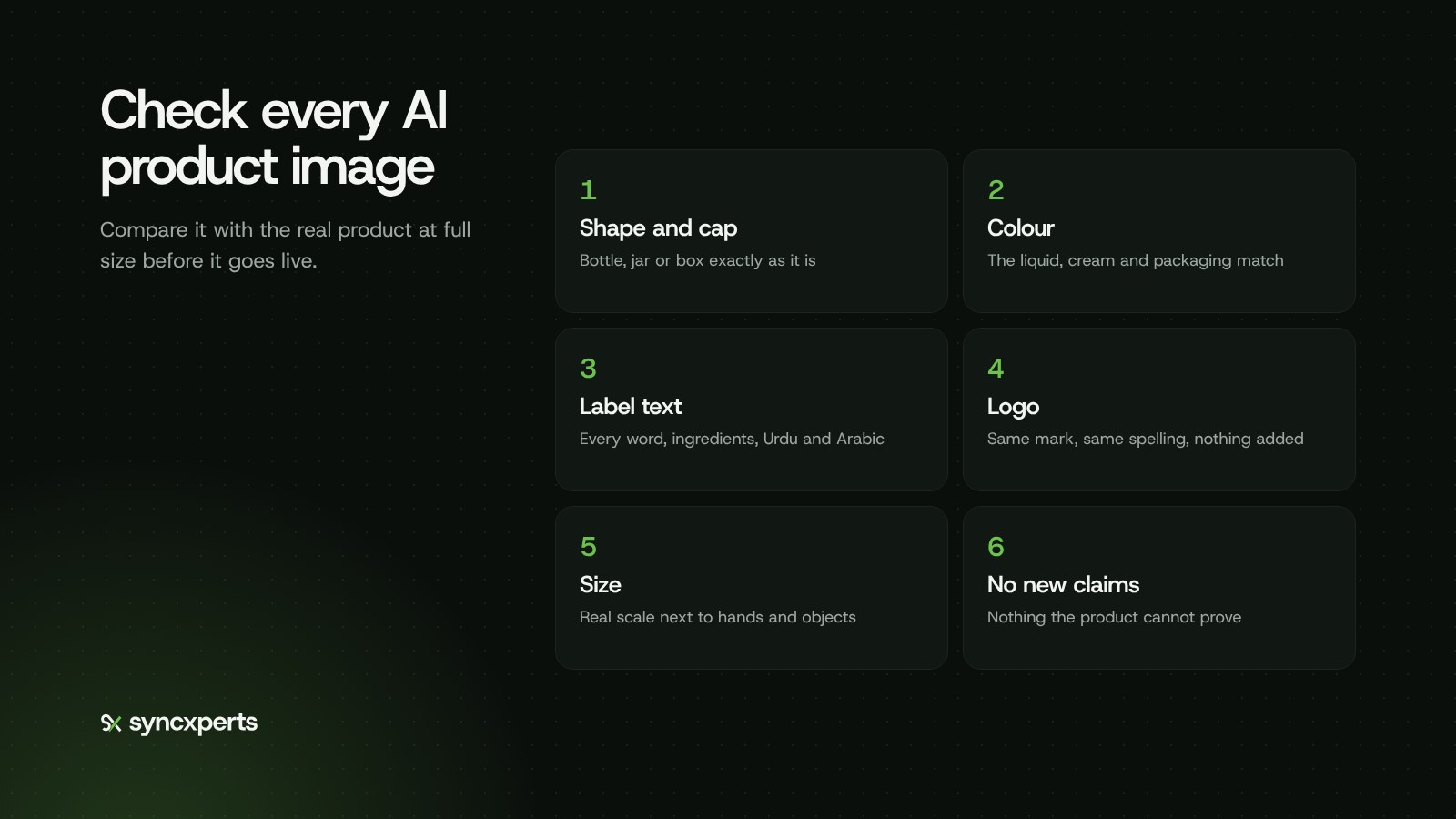
For a product brand, check:
- the shape of the bottle, jar or box, and the cap
- the colour of the liquid or the product
- every word on the label, including ingredients and Urdu or Arabic text
- the logo and its spelling
- the size of the product compared with hands or objects around it
If the label comes out wrong, put your real label back in an editor rather than asking the AI again and again.
The rules you need to follow
Google Shopping. Google Merchant Center says all images created with generative AI must carry metadata marking them as AI generated, and that you must not remove it. Some "save for web" and compression tools strip this data, so check your export.
Marketplaces. Amazon's main image must be a real photograph of the actual product on a white background, with no mockups or illustrations. Etsy now requires at least one unedited photo of the real item and asks sellers to disclose AI use, according to Digital Commerce 360. Daraz has no public rule on AI images that we could find, so follow the stricter standard: a real photo first.
Meta ads. Meta labels ads made or significantly edited with its own AI tools, and since June 2026 it also labels ads it detects were made with outside AI tools, using signals such as C2PA metadata. ChatGPT still images carry C2PA metadata, so Meta may label them even if you do not declare it.
Misleading images. In Pakistan, Section 21 of the Punjab Consumer Protection Act bans false or misleading representations about a product's kind, quality, composition or style. In April 2026 the Competition Commission of Pakistan said disclaimers must be clear, sit next to the claim and be in the same language as the ad. An AI image that makes a bottle look bigger or a cream look different from the real one could count as a misleading representation, whatever tool made it. This is general information, not legal advice.
A simple workflow that keeps you safe
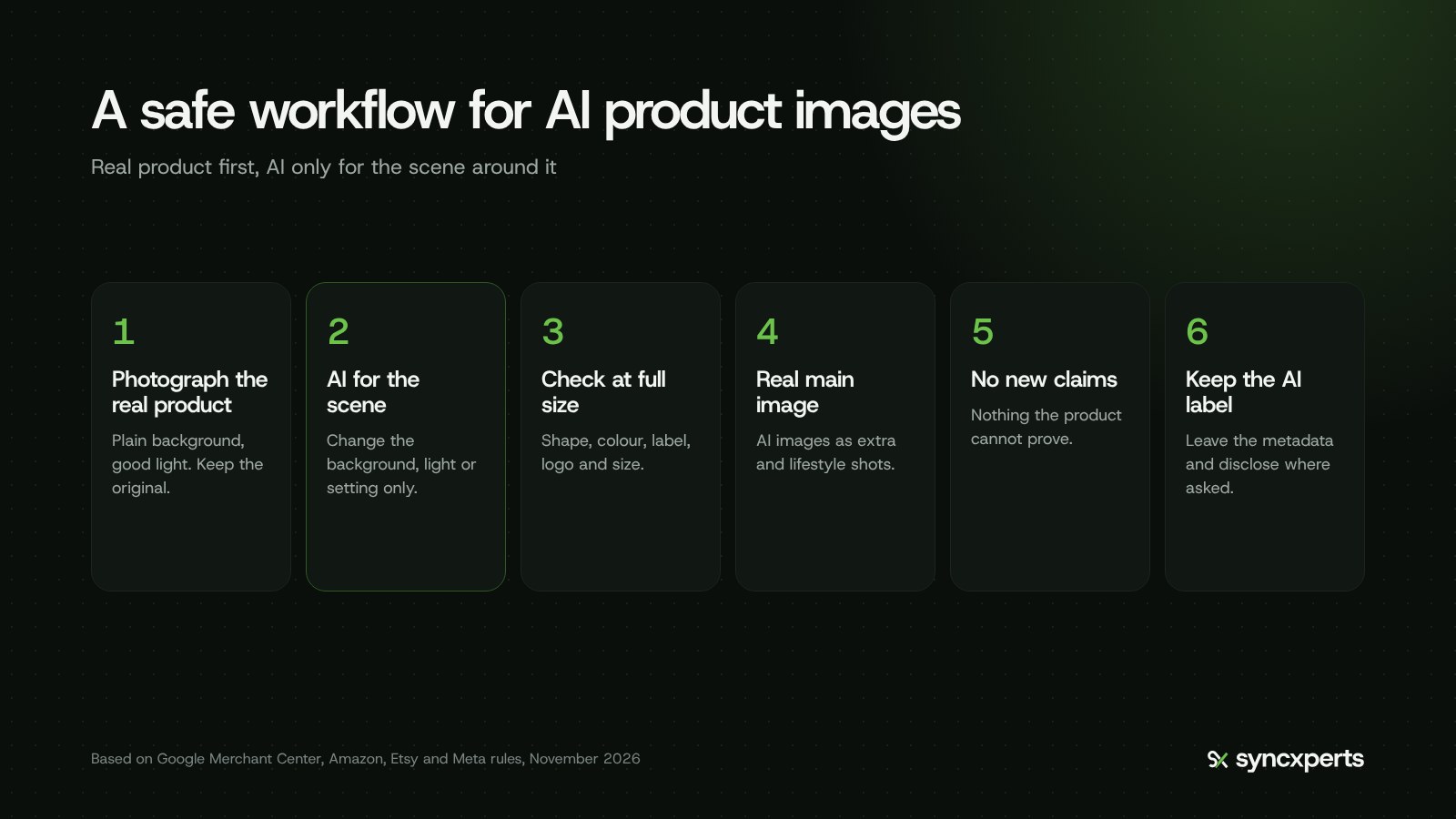
- Photograph the real product. A phone photo on a plain background in good light is enough. Keep the original file.
- Use AI for the scene, not the product. Ask ChatGPT to change the background, the light or the setting around your real photo.
- Check at full size. Compare shape, colour, label, logo and size with the real product.
- Keep a real photo as the main image. Use AI images as extra and lifestyle shots.
- Make no new claims. No "lasts 24 hours" or "whitening" in an image unless the product proves it.
- Keep the AI label. Do not strip the metadata, and disclose AI use where a platform asks.
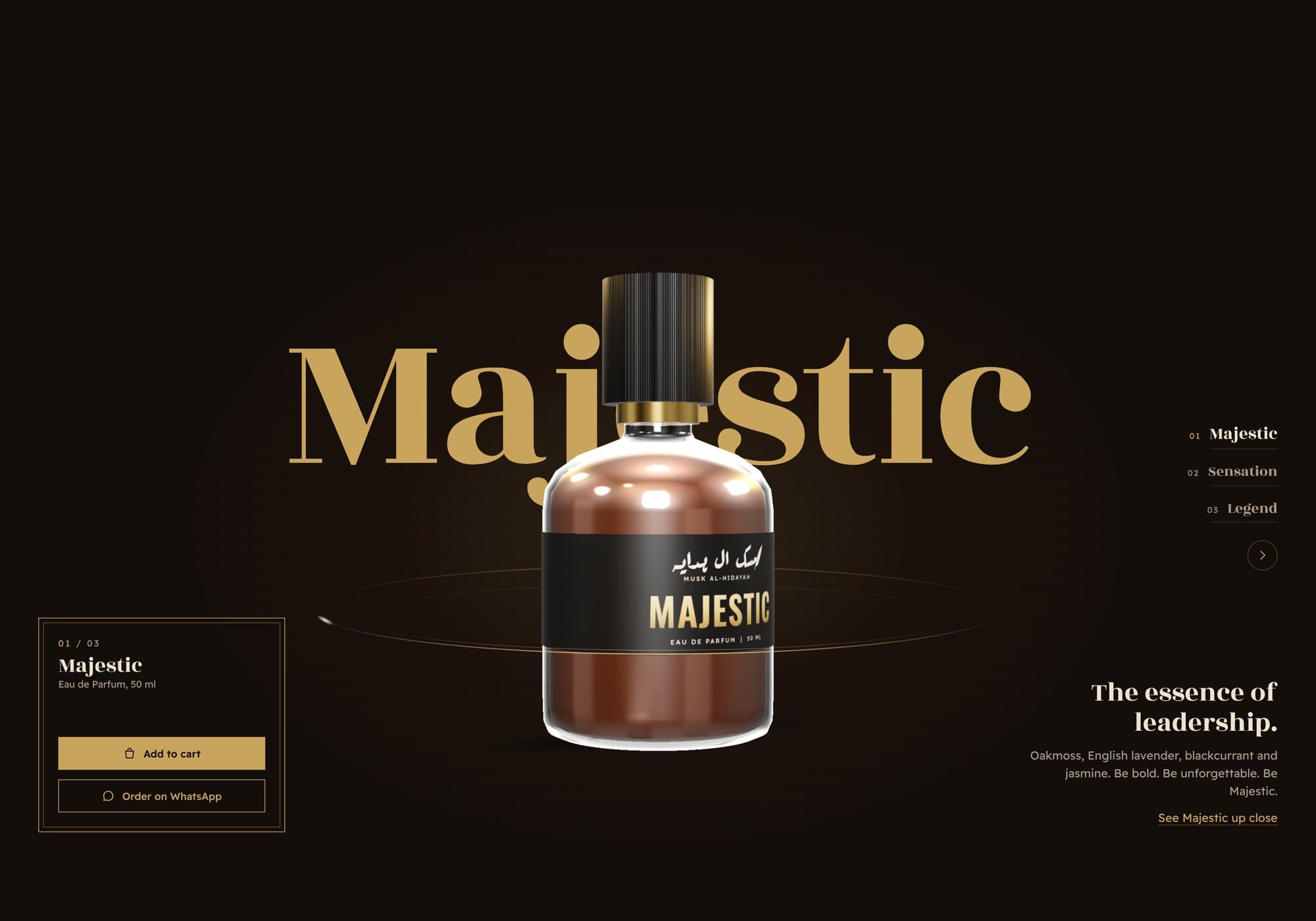
A prompt that works well as a start: "Place this exact perfume bottle on a warm marble surface with soft morning light. Do not change the bottle, the cap, the label or the logo in any way. Keep the bottle the same size."
What shoppers think
Most surveys on this come from companies that sell image tools, so read them as a direction, not proof. In a Stylitics survey of 411 fashion shoppers, 71% could not tell AI photos from real ones, and 59% wanted AI use disclosed. In Photoroom's UK survey, 55% said poorly done AI or heavily edited images made them trust a marketplace less.
The common thread is accuracy. Shoppers mind less that AI was used than that the product they receive looks different from the photo. A return costs more than a photoshoot.
Who owns the images
OpenAI's terms say you own what you create and can use it commercially, to the extent the law allows. The same terms say outputs may not be unique, so another store could get a similar image, and purely AI made images may not be protected by copyright. Your real product photos stay your strongest asset.
Do not generate other brands' logos, or real people such as celebrities or influencers, without permission.
Where we stand
We build online stores and product pages for brands, many of them in perfume and skincare. AI images save time on social posts and lifestyle shots, and we use them. The product page still needs real photos, an accurate label and a clear price, because that is what the customer compares with the parcel.
If you want help setting up product pages and visuals that sell without misleading anyone, book a 30 minute call.
Sources
- Introducing Images 2.6, OpenAI, 4 November 2026
- Image generation guide, OpenAI
- Images 2.6 safety evaluations, OpenAI
- ChatGPT Images 2.6 hands-on, TechRadar, 5 November 2026
- Images 2.6 test, PhotoWorkout, 7 November 2026
- GPT Image 2.6 vs 2.5, Overchat
- ChatGPT Images 2.6 overview, AI Catchup, 6 November 2026
- AI generated content, Google Merchant Center Help
- Amazon image requirements, Jungle Scout
- Etsy AI policy update, Digital Commerce 360, 26 October 2026
- Expanding GenAI transparency for Meta's ads products, Meta
- Punjab Consumer Protection Act 2005 (PDF)
- Competition Commission principles on disclosure in advertising, Business Recorder, April 2026
- AI product photography guide, Shopify, 2 September 2026
- AI product images survey, Stylitics
- AI edited product images erode trust, SecurityBrief, January 2026
Questions owners are asking
It is the image update OpenAI released on 4 November 2026. In ChatGPT it can create and edit images from a prompt, make short animated GIFs, and keep a saved reference photo consistent across new images. In the API it comes as two models, Sunburst for detailed work and Flare for speed.
For supporting and lifestyle images, usually yes, as long as the product looks exactly like the real one. For the main image, most platforms expect a real photo of the actual product. Amazon's main image rules ask for a photograph of the real item on white, and Etsy now requires at least one unedited photo of the item.
It depends on where they appear. Google Merchant Center requires AI made images to keep metadata that marks them as AI generated. Meta adds an AI info label to ads it detects were made or edited with AI. Etsy asks sellers to disclose AI use in the listing. Do not strip the metadata ChatGPT adds.
It can. The model redraws the whole image, so small text, logos and fine details can change even when you ask it to leave them alone. Check every image against the real product at full size before you publish it.
Image creation is available on every ChatGPT plan, including Free, with limits that OpenAI has not published as numbers. The API is charged per token. Check your own account, because new features like GIFs were still rolling out after launch.
OpenAI's terms say you own the output and can use it commercially, to the extent the law allows. The same terms say outputs may not be unique, and purely AI made images may not be protected by copyright, so others could make or copy similar images.
Founder and CEO of Syncxperts. Builds AI agents, automation, websites and custom software for growing businesses.